
Mirada Johnson Encyclopaedia page

 ─────────────── | │ │ │ │ │ │ │ │ │ │ │ │ │ │ │ │ │ │ │ │ │ │ │ │ │ │ │ │ │ │ │ │ │ │ │ │ │ │ │ │ │ │ │ │ │ │ │ │ │ │ │ │ │ │ │ │ │ │ │ │ │ │ │ │ │ │ │ │ │ │ |
My mum and dad met at a London university, where they were both doing a teaching degree. They were married 3 years later, on the 3rd of December. I was born 5 years later, in a hospital in London. Three months later, we moved to the small village of Whyteleafe, where they both got jobs working at the local primary school, which I started at, aged six. I liked being at school, however I didn't like maths or science. My favourite subjects were English, where my teacher was called Mr Lewis, and my absolute favourite subject was P.E (Physical Education). I was at that school until year six, and I'd (thankfully) never had my parents as my teachers. I made a few friends, Emily and Sophie, who were in the same class as me. We loved sharing our favourite books together, and playing with my pet cat, Socks, a female ginger cat with green eyes and white socks. As I grew up, I started to look forwards to the time I spent playing games on the kitchen table with my parents. My mum was amazing at games, and always won, but my dad would always help me to play. When I was 9, I was a class captain. But in that year, a new girl called Anya joined. She was a bully, stealing all of my friends.
When I was 9, Anya was teasing me about having no friends. I got extremely angry, and froze Anya. She was frozen in place, and was unable to move. The Ministry of Magic had to come in and un-freeze Anya, and memory wipe around five of Anya's friends. On my 11th birthday, there was a lady talking with my parents. She was telling them that as I was a witch, I could go to a boarding school called Hogwarts, where there would be people to teach me about how to use my magic. My parents said that they wanted me to go to Hogwarts, and I agreed.
Code by: @Winnie Harper, edited by me |
Last edited by Mirada Johnson on 28 Feb 2026, 12:16, edited 9 times in total.

Mirada Johnson Encyclopaedia page
TRUNK
STATS:
Stamina: 9
Evasion: 6
Strength: 8
Wisdom: 7
Arcane Power: 7
Accuracy: 8
ABILITIES
1. Prodigal Flying Learner
2. Evasive Maneuvers
3. Steady Flyer
STATS:
Stamina: 9
Evasion: 6
Strength: 8
Wisdom: 7
Arcane Power: 7
Accuracy: 8
ABILITIES
1. Prodigal Flying Learner
2. Evasive Maneuvers
3. Steady Flyer
Last edited by Lesmana Asmaralaya on 31 Aug 2026, 03:55, edited 3 times in total.
Reason: Added Steady Flyer ability
This is the "Game Master" account. Please do not owl this account, unless specified. This account is not moderated actively and therefore, you may not receive a response.
Contact a Head of House or the Headmaster if you need anything.
Mirada Johnson Encyclopaedia page
 ﹌﹌﹌﹌﹌﹌﹌﹌﹌﹌﹌﹌﹌﹌﹌﹌ |
|
||||
 | 𝗢𝗧𝗛𝗘𝗥
|
|

Last edited by Mirada Johnson on 28 Aug 2026, 10:21, edited 4 times in total.
Mirada Johnson Encyclopaedia page
STILL NOT UP-TO-DATE 
Threads (RP's)
Finished -
Ongoing -
Abandoned -
|
|
|
|
Made by @Julia Evans
Last edited by Mirada Johnson on 5 Jun 2026, 09:47, edited 4 times in total.
Mirada Johnson Encyclopaedia page
Banners, Collages and Profile Pictures:
Banners that I have made are in my gallery!
Collages:
Banners:
Profile Pictures:
Banners that I have made are in my gallery!
Collages:
Reducio
Made by Hana Suzuki
Made by Hana Suzuki
Banners:
Reducio
Made by Avery Grey

Made by Charlotte Winfield

Made by Ellie Radensmith

Made by Hana Suzuki

Made by Bree Grey

Made by Caspian Villin
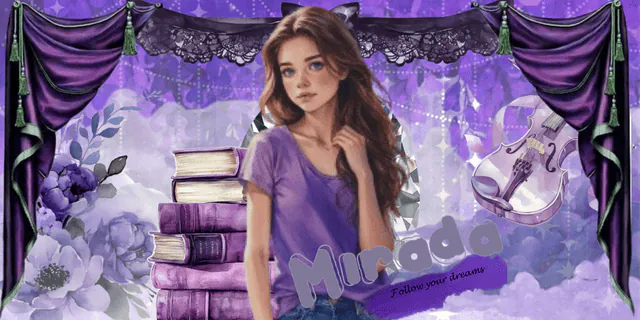
Made by Caspian Villin
Made by me
Made by Avery Grey
Made by Charlotte Winfield
Made by Ellie Radensmith
Made by Hana Suzuki
Made by Bree Grey
Made by Caspian Villin
Made by Caspian Villin
Made by me
Profile Pictures:
Reducio
Year 1:
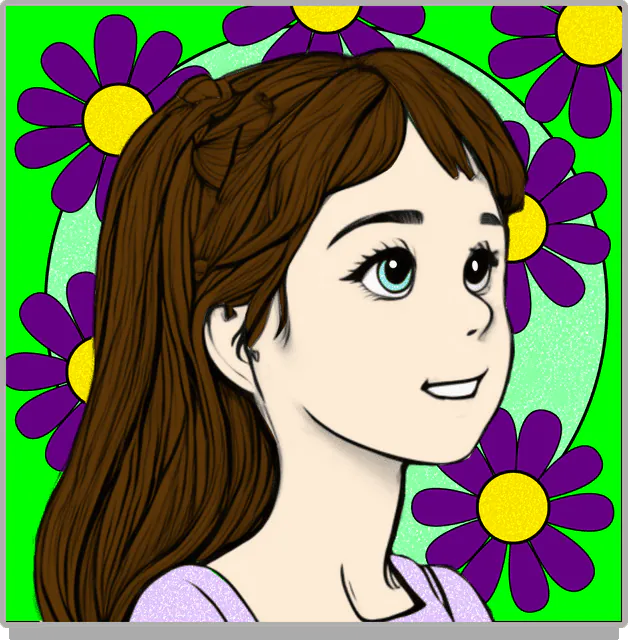
Year 2:
Year 1:
Year 2:
Last edited by Mirada Johnson on 31 Dec 2025, 10:05, edited 8 times in total.
Mirada Johnson Encyclopaedia page
My RP To-Do list
- Picnic by the lake (Gaia Kennedy) - Started
- In Bonelli's eagle (Erendriel Ravaxidor) - Started
- Cosmo and Isis (Karime Lenior) - Finished
- In the courtyard (Yehor Barns) - Started
- In a corridor (Taylor Price) - Started
Last edited by Mirada Johnson on 17 Dec 2025, 13:38, edited 3 times in total.
Mirada Johnson Encyclopaedia page
 ⋘ ──── ∗ ⋅◈⋅ ∗ ──── ⋙ coded by Lucille Rosenhart |  making memories with you |
𝚁𝙰𝚅𝙴𝙽𝙲𝙻𝙰𝚆
Gaia Kennedy best friendKarime Leniorfellow cat ownerJade O'Reillymet on the trainAsara Fayemet on the train𝙶𝚁𝚈𝙵𝙵𝙸𝙽𝙳𝙾𝚁 Caleb ThorneMet in transfigurationTaylor PriceShe was lost |  |
𝙷𝚄𝙵𝙵𝙻𝙴𝙿𝚄𝙵𝙵
Lindsey Blissmet on the trainYehor Barnsfell on top of mex x x 𝚂𝙻𝚈𝚃𝙷𝙴𝚁𝙸𝙽 Rosalyn Willowsmet after breakfast |
Last edited by Mirada Johnson on 23 Dec 2025, 10:39, edited 3 times in total.
Mirada Johnson Encyclopaedia page
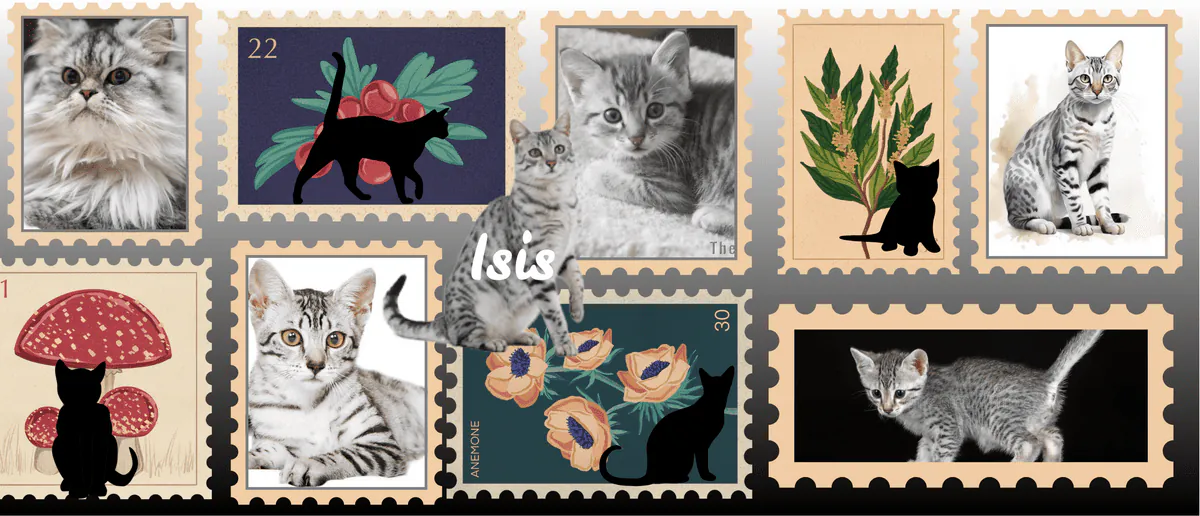
MY PET
Profile Card:
| Name | Isis |
| Animal | CAT |
| Breed | Egyptian Mau |
| Age | A few months |
| Colour | Grey |
| Gender | Female |
Mirada Johnson Encyclopaedia page
My wand
Chestnut wood
This is a most curious, multi-faced wood, which varies greatly in its character depending on the wand core, and takes a great deal of colour from the personality that possesses it. The wand of chestnut is attracted to witches and wizards who are skilled tamers of magical beasts, those who possess great gifts in Herbology, and those who are natural fliers.
Core
The phoenix feather wand core is one of the three supreme core types used in wandmaking, known for its great power range and difficulty in winning allegiance. Wands with this core are often the pickiest regarding their owners, reflecting the independence of the phoenix itself, making them challenging to tame and personalize. Additionally, phoenix feather cores are capable of performing a wide range of magic and are known for their independence of thought, which can be unpredictable for wizards.
The phoenix feather wand core is one of the three supreme core types used in wandmaking, known for its great power range and difficulty in winning allegiance. Wands with this core are often the pickiest regarding their owners, reflecting the independence of the phoenix itself, making them challenging to tame and personalize. Additionally, phoenix feather cores are capable of performing a wide range of magic and are known for their independence of thought, which can be unpredictable for wizards.
Mirada Johnson Encyclopaedia page
May get updated when I work out "float", and "ref".
Reducio
A guide to BBcode.
This is a list of most of the functions on your toolbar, plus a few more very useful functions, that you have to type. I have missed out a few of the tools, but these are the main ones.
On your tool bar:
- makes text bold. Example: Hi Code:
- makes text italic. Example: Hi Code:
- makes text underlined. Example: Hi Code:
- makes text striked-through. Example: Hi Code:
- makes text subscript. Example: Hi Code:
- makes text superscript. Example: Hi Code:
- makes text a different colour. Example: Hi Code: . Change the numbers to get a different colour - you can use the drop down colour wheel. Or, you can just use colour names, such as "yellow", or "blue".
- makes text a different size. Example: Hi Code:. Change the number to make it a different size, or use the drop down menu.
- makes text go left. Example:
- makes text go center. Example:
- makes text go right. Example:
- makes text indented. Example: . You can use this multiple times in a row to indent it more like this:
- makes a link. Example: Hi Code:
- attaches an image. You can then put dimensions into it. When putting in dimensions, change it from "img" to "image". Example: 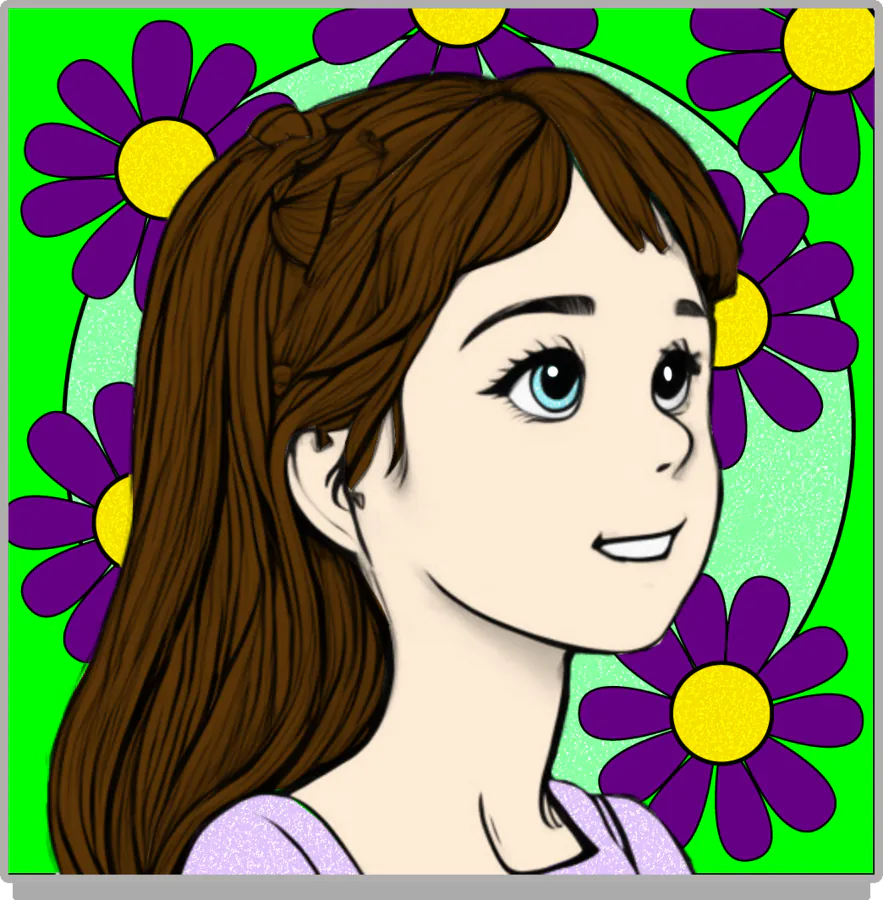 Code:
- makes text go into a list. Example:
- makes a numbered list. Example:
- makes a table. Example:
Code:
- makes text go into a list. Example:
- makes a numbered list. Example:
- makes a table. Example:
Code:
- makes a "revelio" (hidden text). Hover/click over it to show the text. Example: Hi Code:
- makes a "reducio". (hidden box of text). Click it to show the text, then click again to hide it. Example:
- makes text in a box. Example:
- mentions someone. This gives them a notification when you post something with this. Make sure to use the actual mention code, not just an @. Use their characters shown name. Example: @Someone Code:
- Shows the emojis! Example:  Code:
- Shows loads of icons you can use. Example: Code:
Code:
- Shows loads of icons you can use. Example: Code:
On already sent posts, there are a few useful things as well:
The exclamation mark: If you see a post that is breaking the onsite rules, press this to report it to the staff.
The pencil: this only appears on your own posts - this is to edit it.
The letter: This means you owl the creator with an attachment of the post.
The speech marks: This "Quotes" a post. It means your post after you do this will attach the other person's, and they will be notified. It is very useful in the out of character chats!
Last but not least:
This one is what I have been using for the entirety of the post. It can show what the code you have typed is, without it doing anything. Code:
This is a list of most of the functions on your toolbar, plus a few more very useful functions, that you have to type. I have missed out a few of the tools, but these are the main ones.
On your tool bar:
- makes text bold. Example: Hi Code:
Code: Select all
[b]Hi[/b]Code: Select all
[i]Hi[/i]Code: Select all
[u]Hi[/u]Code: Select all
[s]Hi[/s]Code: Select all
[sub]Hi[/sub]Code: Select all
[sup]Hi[/sup]Code: Select all
[color=#84774d]Hi[/color]- makes text a different size. Example: Hi Code:
Code: Select all
[size=150]Hi[/size]- makes text go left. Example:
Hi
Code: Code: Select all
[left]Hi[/left]Hi
Code: Code: Select all
[center]Hi[/center]Hi
Code: Code: Select all
[right]Hi[/right]Hi
Code: Code: Select all
[indent]Hi[/indent]Code: Select all
[indent][indent]Hi[/indent][/indent]Code: Select all
[url=https://hogwarts.io/floo]Hi[/url]Code: Select all
[img=200x200]/images/upload/9jxvfukg2ubr.webp[/img]- Hi
- Hello
- Bye
Code: Select all
[list]
[*] Hi
[*] Hello
[*] Bye
[/list]
- Hi
- Hello
- Bye
Code: Select all
[list=1]
[*] Hi
[*] Hello
[*] Bye
[/list]| A | B |
| C | D |
Code: Select all
[table]
[tr]
[td]A[/td]
[td]B[/td]
[/tr]
[tr]
[td]C[/td]
[td]D[/td]
[/tr]
[/table]Code: Select all
[revelio]Hi[/revelio] Reducio
Code: Hi
Code: Select all
[reducio]Hi[/reducio]Code:Hi
Code: Select all
[quote]Hi[/quote]Code: Select all
[mention]Someone[/mention]Code: Select all
:) [right]Hi[/right]Code: Select all
[icon]hand-wave-r[/icon]On already sent posts, there are a few useful things as well:
The exclamation mark: If you see a post that is breaking the onsite rules, press this to report it to the staff.
The pencil: this only appears on your own posts - this is to edit it.
The letter: This means you owl the creator with an attachment of the post.
The speech marks: This "Quotes" a post. It means your post after you do this will attach the other person's, and they will be notified. It is very useful in the out of character chats!
Last but not least:
This one is what I have been using for the entirety of the post. It can show what the code you have typed is, without it doing anything. Code:
[code]Put your code here[/code] or Code: Select all
[inlinecode]Put your code here[/inlinecode]