
Images
I've been trying to do images but it's not working for me. I read a few pages on how to do it, but still can't figure it out.
I'm doing this Hogwarts.io on my school computer. They have a bunch of stuff blocked. I have tried https://postimages.org/ - blocked. https://imgur.com/ - also blocked. blogger.com - blocked. And the only one that's even slightly worked is https://imgbb.com/ imgbb lets me upload all my stuff but it then only shows up as either the image sign or a link when I add it on here. I can't even see if the link goes to the image because my school blocked ibb.co which is where the link directs me.
I'm going to try and add a banner I made here. If it shows up for you then my computer's just glitching out the image.
https://ibb.co/sbzk6x3
I'm doing this Hogwarts.io on my school computer. They have a bunch of stuff blocked. I have tried https://postimages.org/ - blocked. https://imgur.com/ - also blocked. blogger.com - blocked. And the only one that's even slightly worked is https://imgbb.com/ imgbb lets me upload all my stuff but it then only shows up as either the image sign or a link when I add it on here. I can't even see if the link goes to the image because my school blocked ibb.co which is where the link directs me.
I'm going to try and add a banner I made here. If it shows up for you then my computer's just glitching out the image.
https://ibb.co/sbzk6x3
Images
Hey, so I also am on my school computer. I found a website that works for me.
Try this: ImgHost.net
Let me know if it works!
Try this: ImgHost.net
Let me know if it works!
Images
Your banner url works but you're using the wrong code for it. The one you need is under "Full Image", use the BBC Code! The code you need has [img*][/img*] (without the *s).
It should look like this once you've used the correct one -
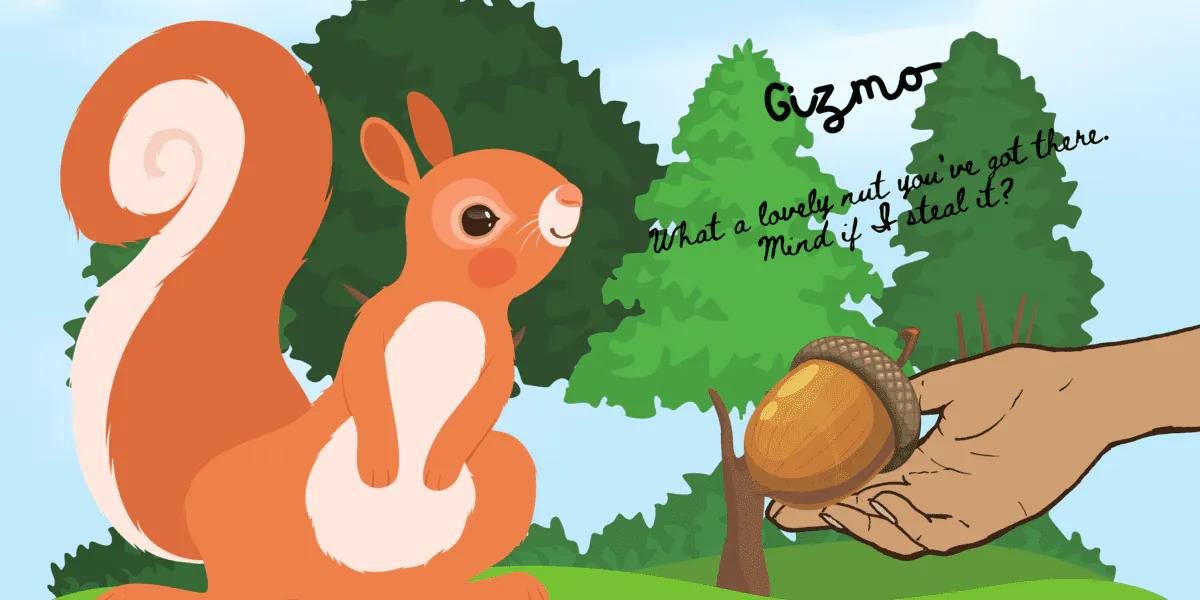
It should look like this once you've used the correct one -
This is my former staff account.
I also play: Serena Towers (Graduated PC), Arjan Oberoi (Graduated iNPC), Xiomara Torres (Current Student)
I also play: Serena Towers (Graduated PC), Arjan Oberoi (Graduated iNPC), Xiomara Torres (Current Student)
Images
 [/url][/img]
I tried it but it still only shows up as the little file sign with the word Image. Do you see the full thing?
Images
on imgBB are you changing the embed code dropdown to BBC?
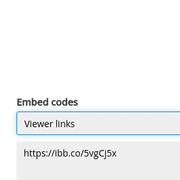
So switching this:
Into this:
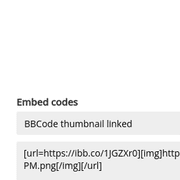
That was my problem
So switching this:
Into this:
That was my problem
Avis Marlong | ”She won't cry or beg for help...she'll isolate from the world and fight her own demons so that nobody can throw it in her face later.” |
"The odds of hitting your target increase dramatically when you aim at it." Benji Marecos |
Images
Silva Melinora wrote: 12 Nov 2024, 02:17
I tried it but it still only shows up as the little file sign with the word Image. Do you see the full thing?
Hey Silva!
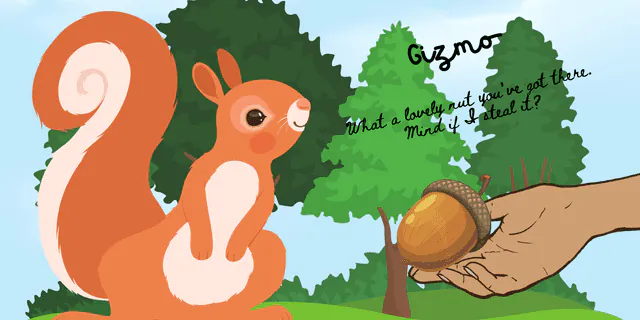
You put [img*] and [/img*] (without the *s) around your already copied upload. just copy the thing and paste it on your thread.[url=https://ibb.co/sbzk6x3][img]/images/upload/yktbq3w52d6a.webp[/img][/url]instead of the extra around it. here it is! just like Miss Jensen said!
hope this helps you!


Images
Hi Madisyn! Basically the code is[img]IMAGE LINK HERE[/img]! Just don’t forgot to put the image link in between the two [img](s) And if you need any more help - feel free to owl me! Hope this helps you!