
photos
Tysm! but how do I add the banner to a rp or something else?
She adores pretty things and witty words

photos
You should again, use the and put your rp story below.
Code: Select all
| Emi Sato | ||
“Every story has the potential for infinite endings” |
photos
I did that, but it just became small
She adores pretty things and witty words
photos
Like, maybe you put it like this?
And your story here? Maybe you should do like this:
Story here…
Code: Select all
Code: Select all
| Emi Sato | ||
“Every story has the potential for infinite endings” |

photos
In post images change your image size to large image for banners.

Be the change you wish to see |
||
in the world. |
photos
The photo in the reducio shows the arrow for the drop down to change your image to large image.
Reducio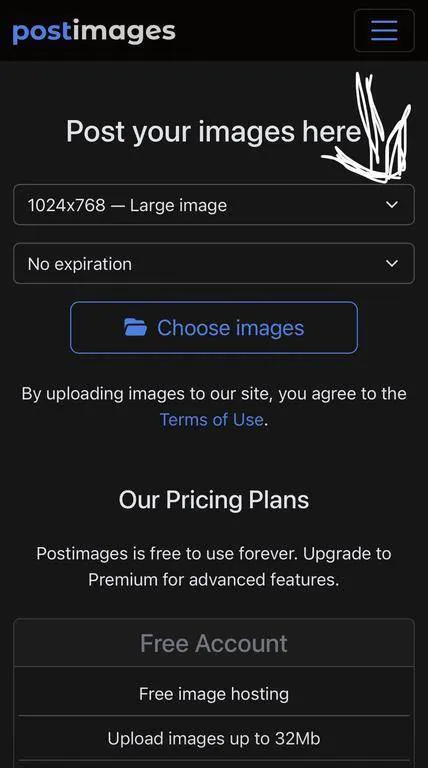
Be the change you wish to see |
||
in the world. |

photos
you can also use the image code like this -
Code: Select all
[img=000x000]Direct link here[/img]
photos
I would take Julia's advice and use the
For example:
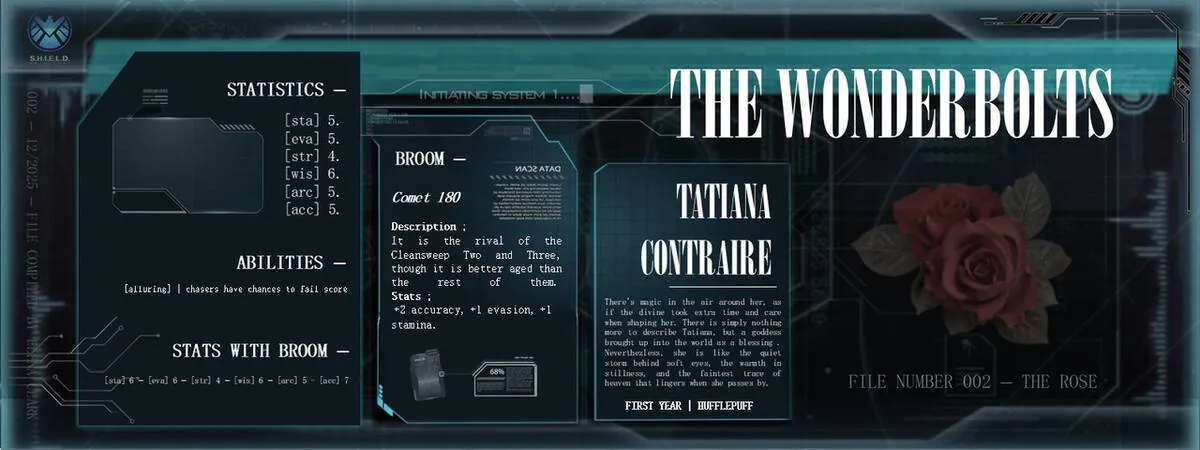
code:
Code: Select all
code:
Code: Select all
[img=550x550]/images/upload/op0zomn25dx8.webp[/img]