Issues with Preview
Description of the problem :
As I am trying to create a reply, upon previewing, it will delete my image that has been added (and worked fine in the past replies on this thread), as well as sometimes preview my font as the size 90 I have set it at, and sometimes much smaller. I have also noticed the icon in the webpage tab on my browser change, similar to the world one used when I have no connection or the site has no preset icon. Not sure if it is related, but I have added that screenshot as well.
Screenshot :
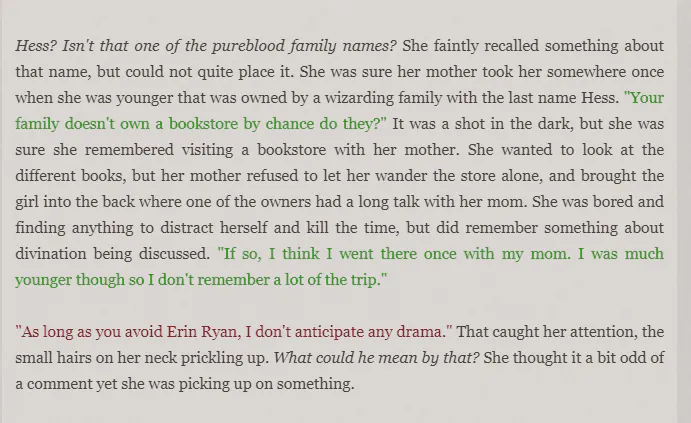
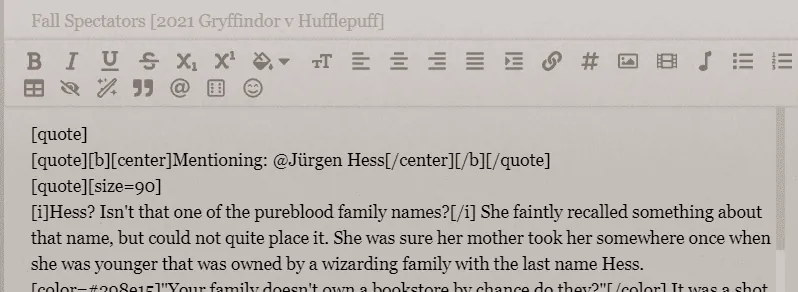
This first image is what the font size SHOULD look like when previewing or submitting.
Reducio
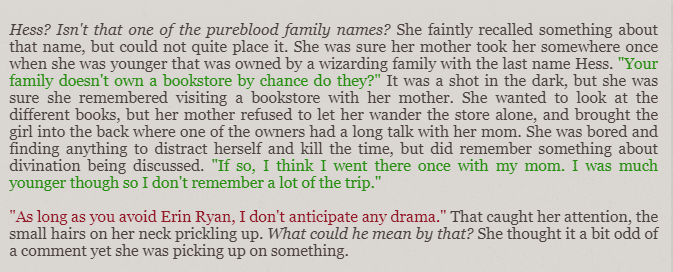
Compared to when previewing sometimes, the text shows WAY smaller (which I hope is accurately represented in this but who knows since screenshots are sometimes altered a bit)
Reducio
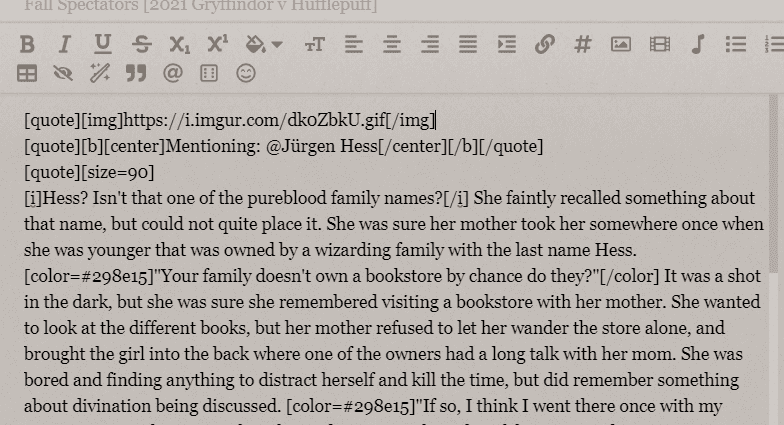
This shows the IMG link I have been adding to the top of my posts fine in the past.
Reducio
Versus this is what happens after previewing. The IMG is simply deleted.
Reducio
FINALLY (sorry Zach)....I noticed that the icon is changing after previewing (as shown on the left of this next image) which is not what normally happens (normal is the hat on the right), also making me suspect a bug?
Reducio
Error message :
There is NO error message.
Device and browser used :
I am currently working on Google Chrome on my PC as I do most of the time.

Issues with Preview
Hi! Do you still have this issue? I cannot reproduce it on my computer 

Issues with Preview
Tagging @Tyranni Whitethorn to ensure you get the message. 
Let There Be Light
Issues with Preview
Hi. Sorry.
So now it seems there is no issue with the problems I listed above so that is good! It might have been worked out with all the recent changes. My only problem is getting gif images to work, such as my banner for the Samhain event only showing as a photo rather than a gif despite me inserting it as a gif. But that's no biggie!
So now it seems there is no issue with the problems I listed above so that is good! It might have been worked out with all the recent changes. My only problem is getting gif images to work, such as my banner for the Samhain event only showing as a photo rather than a gif despite me inserting it as a gif. But that's no biggie!