
Left image float not working properly
I just came across an issue with the floating images but it only seems to be affecting left floats (in isolation or as the first floating option).
A float on the right seems to be okay:
A float on the left (at least in isolation) seems to be a problem:
If done one after the other, it seems to work though (so it might be only when the float is the first thing):
But if there is text before, then left float and then right, the left float is again reacting a bit weird, still better than the isolated left float of the first image:
A float on the right seems to be okay:
Reducio
A float on the left (at least in isolation) seems to be a problem:
Reducio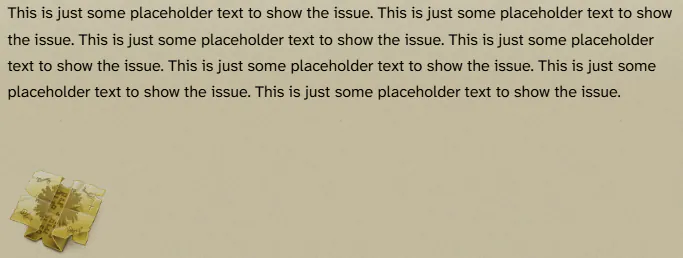
If done one after the other, it seems to work though (so it might be only when the float is the first thing):
Reducio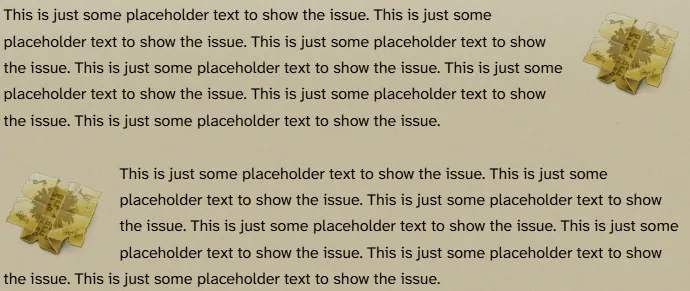
But if there is text before, then left float and then right, the left float is again reacting a bit weird, still better than the isolated left float of the first image:
Reducio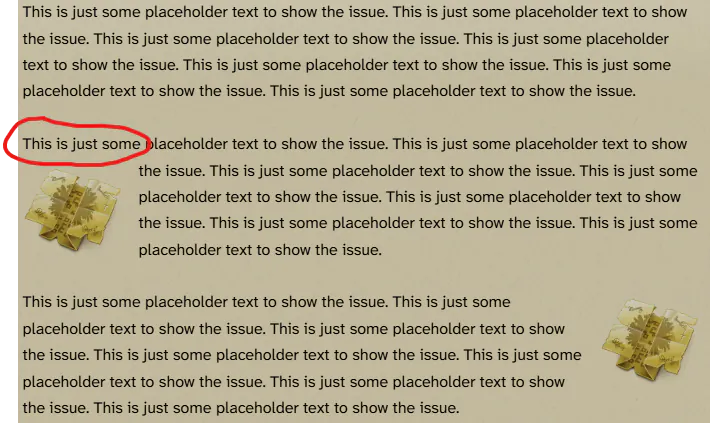
Alemayehu Ngeni Bekele #208020 |

Left image float not working properly
Edward Foxe wrote: 19 Aug 2026, 19:52 I just came across an issue with the floating images but it only seems to be affecting left floats (in isolation or as the first floating option).
A float on the right seems to be okay:
Reducio
A float on the left (at least in isolation) seems to be a problem:
Reducio
If done one after the other, it seems to work though (so it might be only when the float is the first thing):
Reducio
But if there is text before, then left float and then right, the left float is again reacting a bit weird, still better than the isolated left float of the first image:
Reducio
Hey Edward!
I had this problem myself, and until zach fixes the glitch (if he thinks it as one) there are 2 possible solutions.
1. Add more text after the float. What i mean is, if you have nothing above the float, you need more text/graphic afterwards to make it float. You can take a look at the first page of my ency.
2. You can use a table. The float will be in one column with the other text in another. Example —Code: Select all
[table]
[tr]
[td][img float=left]xxx[/img][/td]
[td]text goes here[/td]
[/tr]
[/table]