
FAQ — Questions
I should be asleep lol, but I may have a solution. When you’re trying to do the float, make sure to add an equal after the word image!Gemini Johnson wrote: Today, 04:25 Hey guys, I seem to be having a bit of a problem with the img float code, but I'm not sure if it's just on my side.
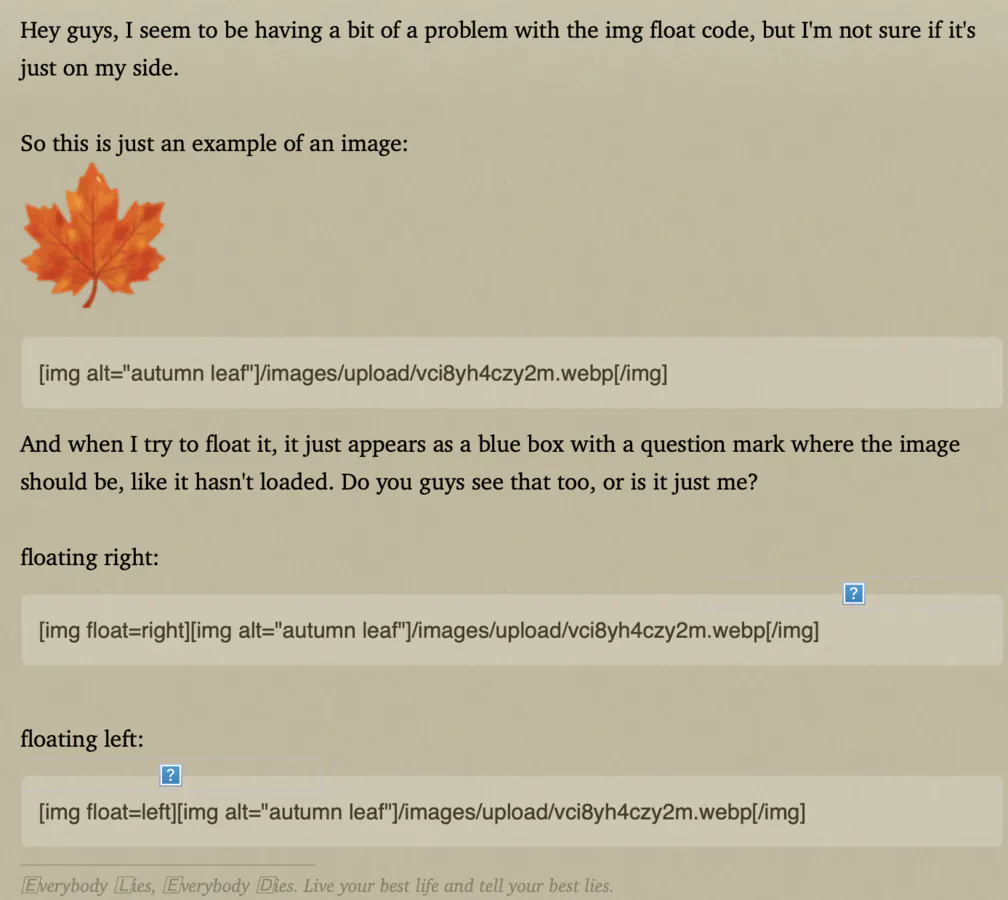
So this is just an example of an image:
 And when I try to float it, it just appears as a blue box with a question mark where the image should be, like it hasn't loaded. Do you guys see that too, or is it just me?
Code: Select all
[img alt="autumn leaf"]/images/upload/vci8yh4czy2m.webp[/img]
floating right:

Code: Select all
[img float=right][img alt="autumn leaf"]/images/upload/vci8yh4czy2m.webp[/img]
floating left:
Code: Select all
[img float=left][img alt="autumn leaf"]/images/upload/vci8yh4czy2m.webp[/img]
What I see:
 (I’m honestly half asleep rn though so if this doesn’t work I can look into it in the morning.
 Like this:
Code: Select all
[img=float=left]/images/upload/vci8yh4czy2m.webp[/img]Be the change you wish to see |
||
in the world. |

FAQ — Questions
Reducio
Avery Gray wrote: Today, 04:42I should be asleep lol, but I may have a solution. When you’re trying to do the float, make sure to add an equal after the word image!Gemini Johnson wrote: Today, 04:25 Hey guys, I seem to be having a bit of a problem with the img float code, but I'm not sure if it's just on my side.
So this is just an example of an image:
And when I try to float it, it just appears as a blue box with a question mark where the image should be, like it hasn't loaded. Do you guys see that too, or is it just me?Code: Select all
[img alt="autumn leaf"]/images/upload/vci8yh4czy2m.webp[/img]
floating right:
Code: Select all
[img float=right][img alt="autumn leaf"]/images/upload/vci8yh4czy2m.webp[/img]
floating left:
Code: Select all
[img float=left][img alt="autumn leaf"]/images/upload/vci8yh4czy2m.webp[/img]
What I see:
Like this:
Code: Select all
[img=float=left]/images/upload/vci8yh4czy2m.webp[/img]
Okay, I'll test it out! thanks!!